How to Live Forever in BitLife: Long Life & Family Legacy
A version-aware guide to reaching old age, managing a risky late-game life, and understanding what continues after a character dies.


If you searched for how to live forever in BitLife, the practical goal is usually to reach a very old age, finish a long-life achievement, earn a Geriatric-style ribbon, or keep a family story going across generations. Those are related goals, but they are not the same mechanic. One character can live a long time; after that character dies, a family mode may let you continue as a descendant.
The safest strategy is not a magic button or a guaranteed age. Treat every year as a small decision cycle: inspect the character, choose a sensible activity, age once, and read what changed. Random events still matter, and menus or requirements can shift between game versions, so use the current screen as the final authority.
What “How to Live Forever in BitLife” Really Means
BitLife does not offer a dependable command that prevents a character from dying forever. Search results and community posts sometimes describe glitches, exploits, very old characters, or dramatic ages. Those reports can be version-specific and may not reproduce on another device or save. This guide focuses on ordinary play rather than editing game files or promising an exploit.
For a normal run, think in terms of improving the odds of a long life and protecting the goal you care about. If you need a particular birthday, ribbon, challenge objective, or family handoff, plan around that result. A character who reaches 100 but misses a challenge condition may not have completed the run you intended; a descendant who continues the family line is a new life, not proof that the original character survived.
- Long life — Manage the character's Health and Happiness and reduce avoidable risk, while accepting that random events can still end a run.
- Milestone or ribbon — Check the live objective wording. Community lists mention age milestones such as 80, 90, 100, 110, or 120, but names and availability can change.
- Family legacy — After death, a game flow may offer a child or descendant. That continues the family story with a different character.
A Low-Risk BitLife Routine for a Longer Life
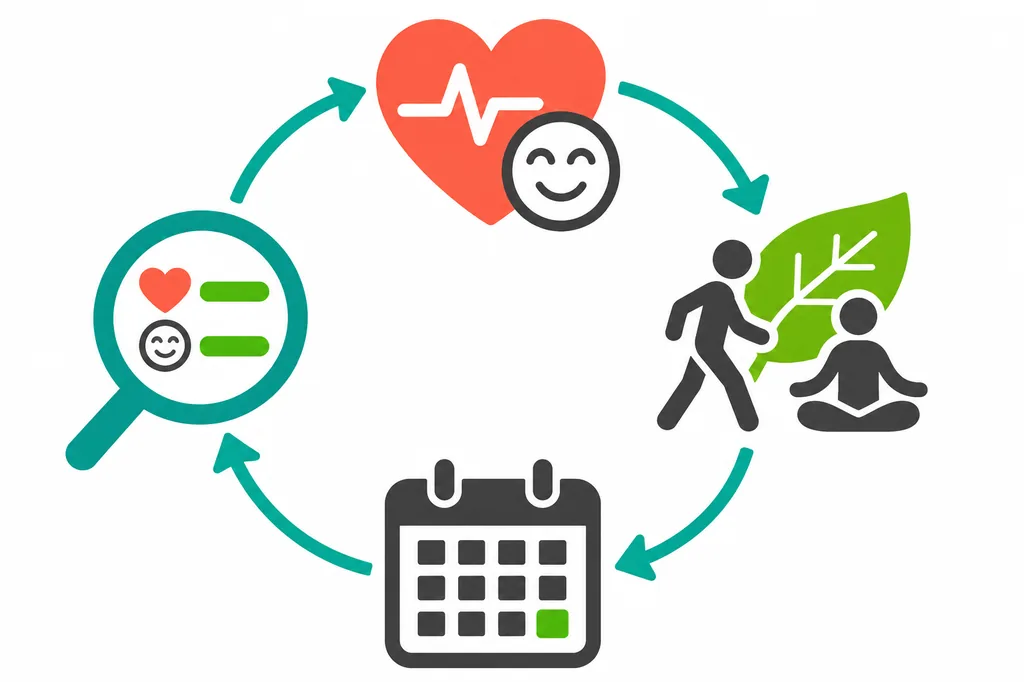
A routine is useful because it prevents fast, repeated choices from hiding a falling stat or a new condition. You do not need to fill every menu with activity. Make one choice, observe its result, and keep enough flexibility to respond to the next event.
- Read the character sheet first — Before aging, note Health, Happiness, current conditions, relationships, and any challenge requirement. A low Health bar changes the priority of the next action.
- Use available wellness options cautiously — The game may offer activities such as walking, the gym, meditation, or a diet choice. Select options that fit the current character and watch the result instead of assuming one activity always helps.
- Address a real medical prompt — When a condition appears, inspect the diagnosis and available treatment choices. Do not ignore the in-game doctor prompt, but also avoid claiming that every treatment or alternative option is a guaranteed cure.
- Keep ordinary sources of happiness — Family time, hobbies, and manageable routines can support the character's mood. Avoid making expensive or risky choices just to chase a full bar when the run is already stable.
- Age one year and review — After an important action, advance one year rather than several at once. Read the event, check the bars, and adjust the next year based on what actually happened.
BitLife Age Milestones: What to Check as the Character Gets Older
Use milestones as checkpoints, not as a promise that a certain age unlocks a fixed result. An achievement, challenge, or ribbon can have its own wording. Save a note of the objective and confirm it in the live game before you risk the final years.
| Checkpoint | Planning focus | Verify in the game |
|---|---|---|
| Before 80 | Learn a stable, low-risk routine. | Current challenge and character condition. |
| 80–99 | Protect Health and avoid needless volatility. | The exact age or ribbon objective. |
| 100+ | Review each year and respond to new events. | Health, active conditions, and target progress. |
| After target | Stop risky actions once the goal is confirmed. | Whether to finish safely or prepare a descendant. |
The ages below are planning checkpoints inspired by commonly discussed longevity goals. They are not guaranteed caps, unlocks, or official requirements for every version. Follow the description shown in your current game.
Why Health Falls Even When You Follow a Routine
A long-life plan can fail because the game is not a deterministic health calculator. Diagnose the signal before repeating an action; a routine that helped earlier may be a poor response to a new condition or event.
| What you see | Possible reason | A safer next step |
|---|---|---|
| Health falls | A new condition or event changed the state. | Inspect the condition and available care. |
| Routine has no effect | The effect may be limited or version-sensitive. | Change one action, then review the result. |
| Unexpected death | Randomness can override a good routine. | Record the attempt and restart if needed. |
| No milestone reward | The objective or ending condition may differ. | Read the current result and objective text. |
Continue a BitLife Family After a Character Dies
If your purpose is to keep a long family history, separate the handoff from the longevity plan. A single character's life ends at death. When the game offers a way to continue as a child or another heir, the next run belongs to that new character and may depend on the available family feature or account setup.
Prepare for the handoff while the original character is alive: maintain the relationships needed by your story, make sure the family has a possible successor, and read the post-death options carefully. Do not assume that every save, platform, or version presents the same continuation screen. If the option is absent, use the game's current menu or support information rather than a file-editing workaround.
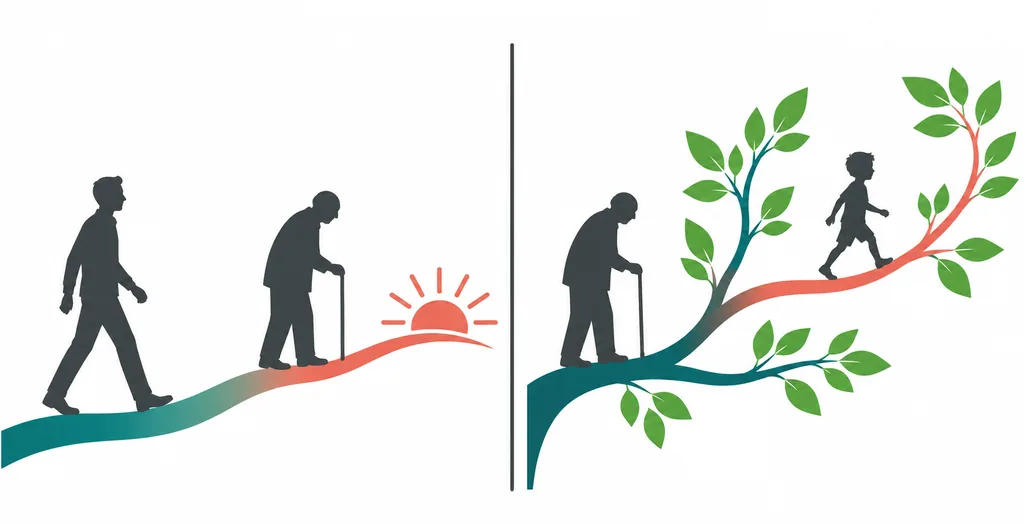
- Decide whether the goal is one life or a lineage — A birthday, ribbon, or challenge usually belongs to the current character. A generation achievement measures a wider family story.
- Keep the intended family route viable — If a descendant matters, avoid choices that unnecessarily remove the relationships or heir your plan depends on.
- Read the end-of-life choices — After the character dies, inspect the available continuation options. Do not treat an option shown in an old screenshot as guaranteed today.
- Rebuild the plan for the new character — The next generation has its own age, stats, conditions, and objectives. Start a fresh strategy instead of carrying over assumptions from the previous life.
Mistakes That Can Shorten a Long-Life Run
The most avoidable losses usually come from acting faster than the character sheet can be reviewed. Keep the goal simple and let the current state—not a copied checklist—guide the next choice.
- Aging several years without checking — You can miss a condition, relationship change, or challenge deadline. Advance one year at a time when the run is near its target.
- Repeating every wellness action — More actions are not automatically safer. Choose one suitable activity and review its actual effect.
- Chasing an exact age from an old post — Community reports are clues, not guarantees. Verify the current objective and do not assume a published maximum applies to your save.
- Taking a dramatic risk after success — Once the milestone is confirmed, a crime, dangerous event, or unnecessary challenge can put the finished goal back at risk.
- Confusing generations with immortality — A family can continue through a new character, but the original life does not keep going. Keep the two goals separate.
How to Live Forever in BitLife: FAQ
Sources and version notes
- Gameplay overview: Game Rant's BitLife long-life guide
- Older community guide: Gamezebo's live-past-100 tips
- Community milestone list: BitLife Wiki longevity achievements
- Official support: BitLife Support Center
Last updated: November 4, 2026